How to choose a laptop
How to choose a laptop: processor, memory, storage, screen, battery and ports, with three examples from a MacBook to budget Windows models.
On this page
This is a source-informed guide, not a hands on test. We read Apple's specification page for the MacBook Neo, Microsoft's Windows 11 requirements and the product listings for the other two laptops. We did not use any of them. For the Lenovo and HP laptops we only had the listing text, so treat those figures as the seller's claims.
Decide how you will use it
Browsing, documents and streaming need little. Photo and video editing, large development tools and gaming need more. Write down your top three tasks, and the one that is most demanding, before you compare specs.
Platform
The Apple MacBook Neo runs macOS. The Lenovo Business 15.6-inch laptop and the HP Essential laptop run Windows, and the HP listing names Windows 11. If you rely on particular programs, check that they run on your platform before looking at anything else.
Processor
Apple lists the MacBook Neo with an A18 Pro chip, a 6 core CPU with two performance and four efficiency cores, and a 5 core GPU. The Lenovo and HP listings give a processor name in the title only, so open the listing and find the full model. A processor name and a generation set the baseline, but design matters. Check independent benchmarks that match your tasks.
Memory and storage
Apple lists 8 GB of unified memory and 256 GB or 512 GB of storage for the Neo. The Lenovo listing says 8 GB of DDR5 memory and 128 GB of storage, and the HP listing says 128 GB. Microsoft's Windows 11 minimum is 4 GB of memory and 64 GB of storage, so 128 GB meets the minimum but leaves little room once updates and apps arrive. Check whether memory and storage can be upgraded, since many laptops solder them in place.
Screen
Apple lists the Neo's 13.0-inch IPS display at 2408 by 1506 and 500 nits. The Lenovo listing gives 15.6 inches at Full HD. Size, resolution and brightness all matter, and a brighter, sharper screen is worth some money if you work long hours. A 13-inch laptop is more portable than a 15.6-inch one.
Battery and weight
Apple lists up to 16 hours of video streaming and 11 hours of wireless web in its own tests of preproduction systems, with a 36.5 watt-hour battery and a weight of 1.23 kg. Stated battery life is a best case, and heavy tasks cut it. If you move about, weigh portability against screen size.
Ports and extras
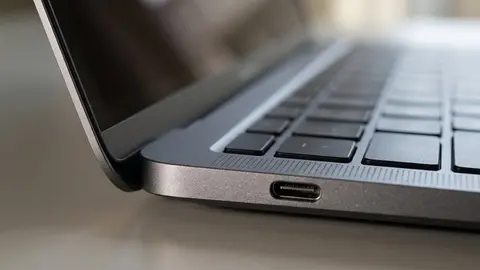
Apple lists one USB 3 port, which carries DisplayPort at up to 10 Gb/s, one USB 2 port and a headphone jack, and says the Neo supports one external display up to 4K at 60 Hz. That matters if you want a two screen desk. Windows laptops vary, so read each model's port and display notes. A dock helps, and our docking station guide explains what to check. Microsoft's pages on multiple monitors and window snapping describe what Windows adds in software.
What Windows asks of the hardware
Microsoft's Windows 11 requirements list a 64 bit processor with two or more cores at 1 GHz or faster, 4 GB of memory, 64 GB of storage, UEFI with Secure Boot, TPM 2.0, DirectX 12 graphics and a 720p display larger than 9 inches. Those are minimums for running the operating system, not a comfortable setup. Microsoft also says a Home or Pro setup needs an internet connection and a Microsoft account. A laptop that only just meets the floor will feel tight once your own programs arrive.
Keyboard, webcam and audio
Apple lists a 1080p camera, dual speakers and a dual microphone array on the Neo. For the others, look at the listing. These matter if you take video calls, and they are rarely tested in a spec table, so read recent owner feedback for each model and check the return policy so that you can try the keyboard.
A worked example
A student wants a light laptop and a bigger screen at a desk. The Neo is light and supports one external 4K screen, so a USB-C display or a dock for one screen would suit. Someone wanting three external screens would need to check the laptop's display limit before anything else. The right laptop is the one that does the heaviest job on your list, with a margin. Before you order, write down the three numbers that matter most to you, such as weight, screen size and the number of external screens, and reject any option that misses one.
Finally, check the warranty. A laptop is a daily tool, so a clear warranty and a seller who handles returns easily are worth more than a small price difference at checkout.
Reading the listing
Watch for vague wording and old model years. Read laptop specs explained, and compare the warranty and return policy of each seller.
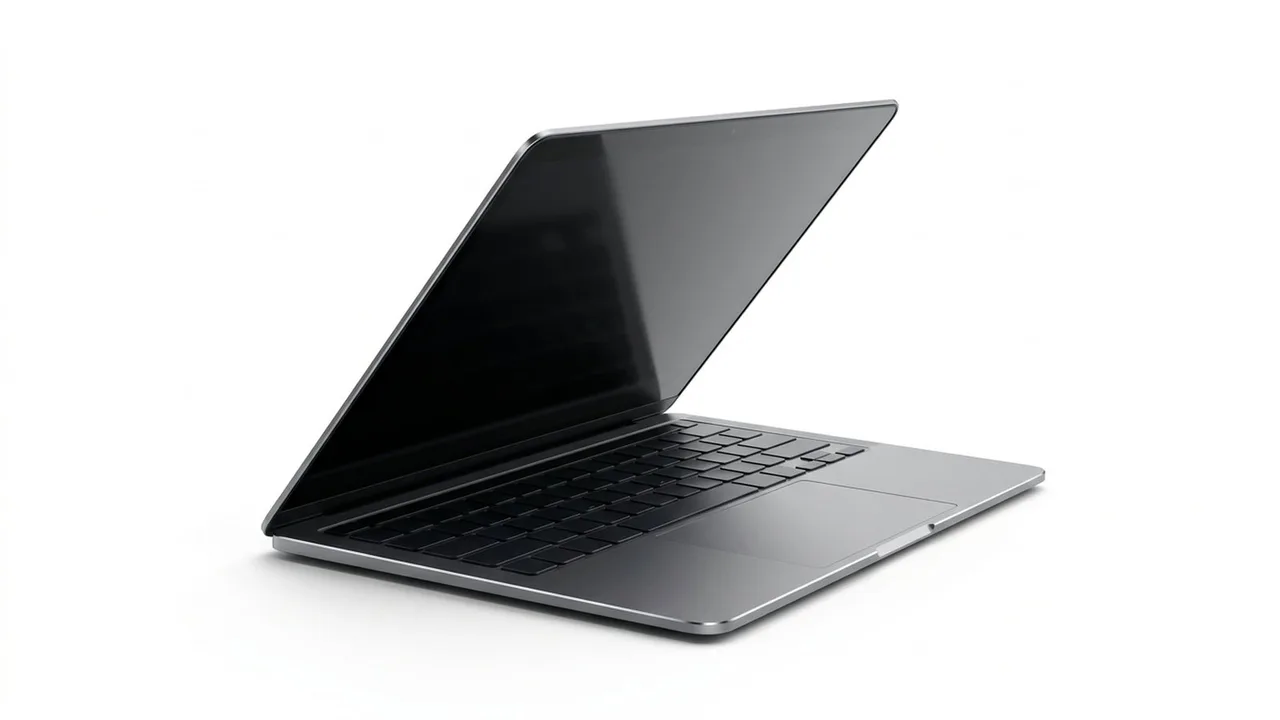
Apple 2026 MacBook Neo 13-inch Laptop
A 13-inch Apple laptop with an A18 Pro chip, 8 GB of memory and one external display.
Lenovo 15.6-inch Business Laptop
A 15.6-inch FHD Lenovo laptop; the listing gives 8 GB DDR5 and 128 GB storage.
HP Essential Laptop
An HP laptop; the listing gives 128 GB storage and Windows 11.
Be careful with
Buying the lowest memory and storage tier and hoping to upgrade later. Many laptops cannot be upgraded.
The practical answer
Pick the platform, set a memory and storage floor, check how many external screens you need and then choose the screen and weight you will live with.
Questions people ask
How much memory do I need?
16GB is a comfortable target for most people. 8GB is workable for light use but tight.
How much storage do I need?
256GB or more for comfort. 128GB fills fast.
Windows or Mac?
Choose the system whose apps and habits suit you.
Does the processor name matter?
It helps, but generation and class matter more than the badge.
Sources and scope
Reference material is linked for the scope described below. This is not a claim that every statement or current retailer offer has been independently verified.
- MacBook Neo tech specs (Apple): manufacturer specifications
- Windows 11 specifications and system requirements (Microsoft): operating system requirements
- How to use multiple monitors in Windows (Microsoft Support): operating system instructions
- Snap your windows (Microsoft Support): operating system instructions
- Connect displays to your Mac (Apple Support): operating system instructions
No hands-on testing or systematic reliability study was performed. Confirm current instructions, seller, model and box contents before ordering.