Is the Dell S3425DW 34 Inch Monitor worth it?
Assess the Dell S3425DW by confirmed video, charging and stand dimensions. See which laptop setups suit it and what performance evidence is still missing.
On this page
- The connection is the strongest reason to shortlist it
- Its pixel layout should serve a particular application
- A 120Hz mode is not our motion verdict
- The stand drawing is more useful than a desk size label
- What Dell's page lists beyond the headline
- Compare alternatives by the feature that changes the setup
- Ownership checks should resolve the remaining uncertainty
Your laptop is already connected to a charger, a dock and a separate monitor cable. A screen that removes part of that arrangement can be useful. The Dell S3425DW deserves attention for its documented connections, not because we can promise that every laptop becomes a tidy single cable workstation.
This closer look uses the checked listing and Dell's specifications. We did not operate the monitor, measure the panel or establish recurring owner complaints. The question here is whether its documented configuration solves your desk problem.
The connection is the strongest reason to shortlist it
Dell documents USB C video through DisplayPort Alternate Mode and power delivery up to 65W. That is a specific capability to compare with a laptop's requirements. A USB C socket on the laptop does not automatically establish compatible video or charging.
Find the laptop's output specification and required charging allowance before ordering. Also check any peripherals you intend to connect. Removing a dock is useful only when the monitor can perform the jobs you currently need it for.
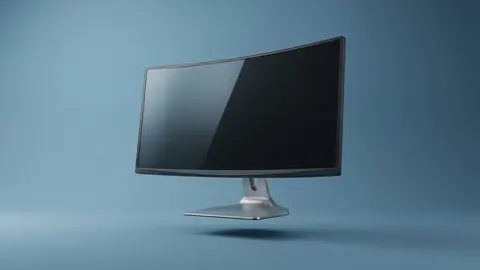
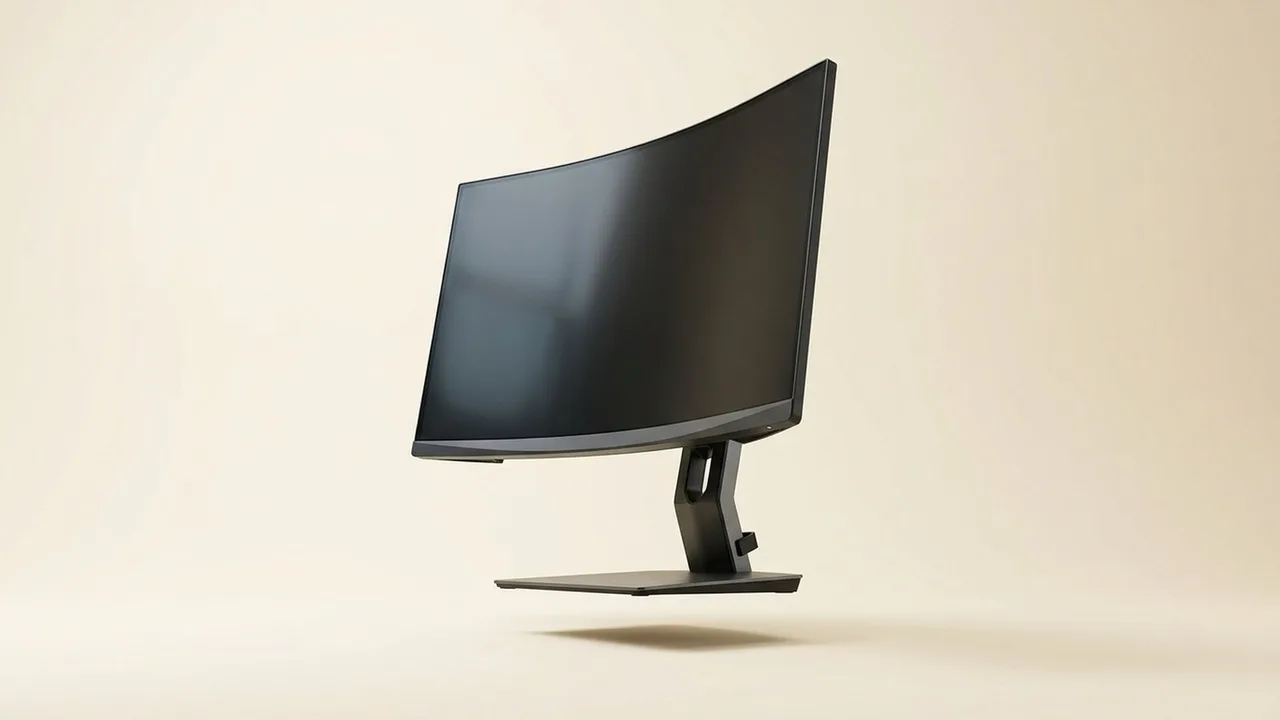
Dell S3425DW 34-inch Monitor
Shortlist S3425DW when the documented USB C arrangement meets your laptop's actual requirements.
Skip it if you need a different power allowance or an input mode that cannot be confirmed. Keeping the original charger is possible in some setups, but that changes the reason for choosing this connection format. Map the complete arrangement rather than counting fewer sockets in a photograph.
Its pixel layout should serve a particular application
Dell confirms a 34-inch VA screen at 3440 by 1440. That is a wide pixel layout, not two fully independent monitors. Check the windows you want to keep visible and the controls you need at a readable scaling setting.
A spreadsheet beside reference material is a plausible use. An application that insists on taking the whole screen may behave differently from your present two screen setup. Our ultrawide guide explains why the application comes before the diagonal.
Skip this format if the extra horizontal area has no job, or if your most important software does not handle the layout usefully. We did not verify text clarity at your viewing distance.
A 120Hz mode is not our motion verdict
Dell states a maximum 120Hz mode. The computer must send the intended resolution and refresh combination through the actual connection. A dock that supports a different mode can be the limiting part, regardless of the screen's capability.
Game frame delivery is a separate issue. We did not measure response behavior, input delay or dark scene transitions. Some listing response marketing differs from the manufacturer presentation, so we do not use the lowest advertised number to rank the display.
If those measurements decide the purchase, obtain a relevant independent test of this exact model and operating mode. Do not substitute a review of another Dell ultrawide with a similar name.
The stand drawing is more useful than a desk size label
Dell lists overall width with the stand as 31.78 inches and stand depth as 8.73 inches. Trace those dimensions in the intended position, then add the space needed for the keyboard and cables. Measure the base. The supporting footprint is only part of the arrangement.
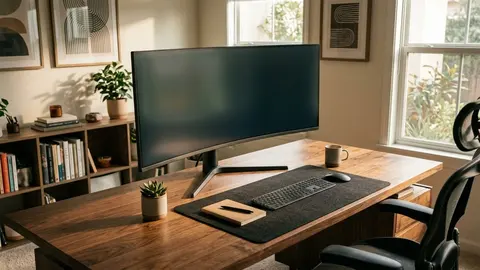
For a worked example, a laptop user wants the monitor at the back of a shallow desk, with the laptop open beside it. The monitor's stand fits, but the laptop and keyboard compete for the remaining surface. A paper layout can reveal that before the purchase.
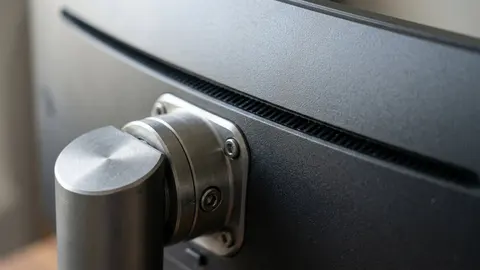
A monitor arm might change the arrangement, but its compatibility must be checked separately. Obtain the monitor mounting requirements and the arm and desk attachment instructions. We did not verify a particular arm pairing.
What Dell's page lists beyond the headline
Dell's specification page also lists a 1800R curve, FreeSync Premium and a one year warranty. FreeSync is AMD's variable refresh technology, and AMD's page describes tiers with their own requirements, so it should not be read as a motion test result. The one year term is shorter than some competing gaming monitors, which matters if you plan to keep the screen for years.
For comfort, OSHA advises placing the top of the screen at or slightly below eye level and 20 to 40 inches from your eyes. A 34-inch wide panel with a curve makes the viewing distance worth trying on your actual desk before you settle on it.
Compare alternatives by the feature that changes the setup
The Samsung ViewFinity S50GC lists a wide format and a 100Hz mode. Samsung's checked page also identifies a flat VA panel and picture in picture and picture by picture features. Those may matter when arranging two sources, rather than when simplifying laptop charging.
Samsung ViewFinity S50GC 34-inch
Compare ViewFinity when its flat layout and two source features address your working arrangement.
The SANSUI 200Hz listing emphasizes a higher advertised mode. That is a reason to investigate the input path and measured motion, not evidence that it is universally the better game display.
SANSUI 34-inch Curved Ultrawide Monitor
Investigate the higher refresh option only with a compatible output path and suitable performance evidence.
Our Dell and ViewFinity comparison addresses their different selection cases. The ultrawide shortlist covers the larger group without inventing a tested winner.
Ownership checks should resolve the remaining uncertainty
Read the exact seller's return conditions and the model's panel fault policy. Save the specifications for the chosen configuration. Confirm the supplied cables and follow the maker's setup and cleaning instructions rather than assuming any household cleaner is suitable for the panel.
During initial setup, confirm the received display mode in the relevant system settings. Test the applications and input arrangement that motivated the purchase. A successful desktop image does not by itself establish every advertised mode.
Be careful with
Buying for one cable convenience without checking laptop video and charging support. A matching plug cannot resolve an unsupported mode or insufficient charging allowance.
Check the current price on Amazon after documenting the laptop requirements and the physical layout. If color accuracy or motion behavior is the deciding issue, obtain those missing measurements first. Connectivity is a verified reason to investigate this monitor; measured picture superiority is not.
Questions people ask
Can one cable handle video and charging?
Dell documents USB C DisplayPort Alternate Mode and power delivery up to 65W. Your laptop must support the necessary video output and have compatible charging requirements.
Does 120Hz prove it is better for games?
No. It is a supported display mode, not a measurement of latency, response behaviour or frame delivery in a particular game.
How much desk depth does the stand need?
Dell lists stand depth as 8.73 inches. Check the complete arrangement, including screen position, keyboard and access behind the display.
Is it suitable for colour critical work?
We did not obtain calibrated measurements. Do not decide that question from the VA label or a manufacturer coverage claim alone.
Sources and scope
Reference material is linked for the scope described below. This is not a claim that every statement or current retailer offer has been independently verified.
- Dell 34 Plus curved monitor S3425DW (Dell): manufacturer specifications
- 34 inch ViewFinity S50GC Ultra-WQHD monitor (Samsung): manufacturer specifications
- Computer workstations: monitors (OSHA, U.S. Department of Labor): government workplace guidance
- DisplayHDR CTS 1.2 specification summary (VESA DisplayHDR): HDR certification criteria
- AMD FreeSync technology (AMD): adaptive sync tiers and requirements
- Monitor buying guide: IPS vs VA vs TN vs OLED (Samsung): panel type comparison by a manufacturer
- What is Thunderbolt 4 and how is it different from USB-C? (Intel): interface standard
No hands-on testing or systematic reliability study was performed. Confirm current instructions, seller, model and box contents before ordering.