What the specs on a wireless microphone system listing really mean
What the specs on a wireless microphone system listing really mean: 2.4GHz and UHF, range, channels, auto scan, tunable frequency, latency and safety tracks explained.
On this page
- 2.4GHz versus UHF
- Auto scan, tunable and fixed frequency
- Channels
- Range
- Transmitters and receivers
- Outputs and connections
- Latency
- Gain, limiters and safety tracks
- Battery and charging
- Frequency response and sound pressure
- Put it together
- Reading a listing critically
- Terms you might meet
- Why specs disagree
- The practical answer
Wireless microphone listings use radio jargon and big numbers. This source-informed explainer decodes the common ones, using the DJI Mic 3, DJI Mic 2, Phenyx Pro PTU-71-2H and Phenyx Pro PTU-52-2H as examples. We did not use any of them, and the specs are the makers' claims.
2.4GHz versus UHF
DJI lists the Mic 2 as 2.4 GHz and the Mic 3 as dual band, using both 2.4 and 5 GHz. The 2.4 GHz band pairs automatically and is simple to use, but it is shared with Wi-Fi and Bluetooth, so crowded places can cause trouble. The Phenyx sets are UHF systems. UHF uses a different part of the radio spectrum with its own rules, and it is standard in venues, schools and churches. Which is better depends on your setting.
Auto scan, tunable and fixed frequency
Wireless systems have to avoid other radio signals. Auto scan, as listed for the PTU-71-2H, searches for a clear frequency and chooses it for you. Tunable frequency, as listed for the PTU-52-2H, lets you choose, which gives control and needs understanding. Fixed frequency, as on the four channel PTU-5000-4H, uses preset frequencies that you cannot change, so avoid clashes with other equipment in the same room.
Channels
A channel is one microphone link. A dual system gives two microphones at once. The four channel set gives four. Phenyx lists the PTU-71 as two channels with 100 frequencies each in 0.25 MHz steps. More channels means more speakers, and more care to avoid interference.
Range
Range figures are measured in open space with no obstacles. DJI lists 400 m for the Mic 3 in open conditions, but only 80 m in a lab case with high interference. Bodies, walls and crowds shorten it. Use range as a rough comparison, and test in your location.
Transmitters and receivers
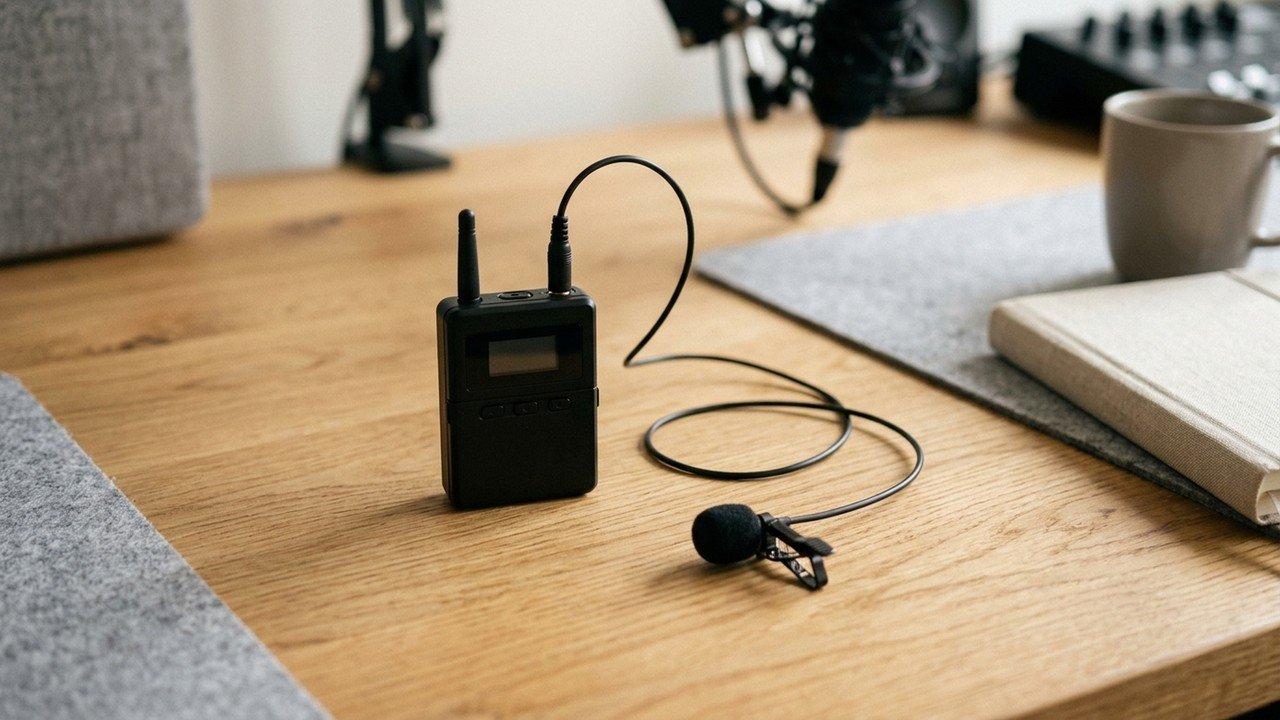
A transmitter is the body pack or handheld that sends audio. A receiver gets it and sends it to your camera, phone or mixer. The DJI sets pair them for you, and DJI states that each Mic 3 receiver can take up to four transmitters.
Outputs and connections
Look at what the receiver connects to: a 3.5 mm cable, USB-C or XLR. A mismatch means adapters and extra points of failure. Phenyx lists XLR and 1/4-inch outputs on its receivers, with output levels such as 0 to 500 mV on the PTU-71 and 0 to 300 mV on the PTU-52.
Latency
Latency is the tiny delay between speaking and recording. Most modern systems are low enough that you will not notice, but check if you monitor through headphones. The DJI pages we read do not publish a latency figure.
Gain, limiters and safety tracks
Gain sets the input level. A limiter protects against sudden loud peaks. A safety track records a second, lower level copy so a shout does not ruin the clip. DJI also lists a 32-bit float option on the Mic 3, which records with a very wide range so that levels are less likely to clip.
Battery and charging
Look for run time and the way it charges. A case that charges everything is convenient. DJI lists a 3250 mAh case for the Mic 2 and a 1950 mAh case for the Mic 3. Handhelds often use replaceable batteries.
Frequency response and sound pressure
Frequency response tells you the range of pitches the microphone reproduces. Phenyx lists 50 Hz to 18 kHz for the PWH-7 handheld, and 40 Hz to 15 kHz for the PTU-52. DJI lists a maximum sound pressure of 120 dB for the Mic 2. Treat these as broad indicators, not a measure of how the voice will sound.
Put it together
Read how to choose a wireless microphone system and do you need a wireless microphone.
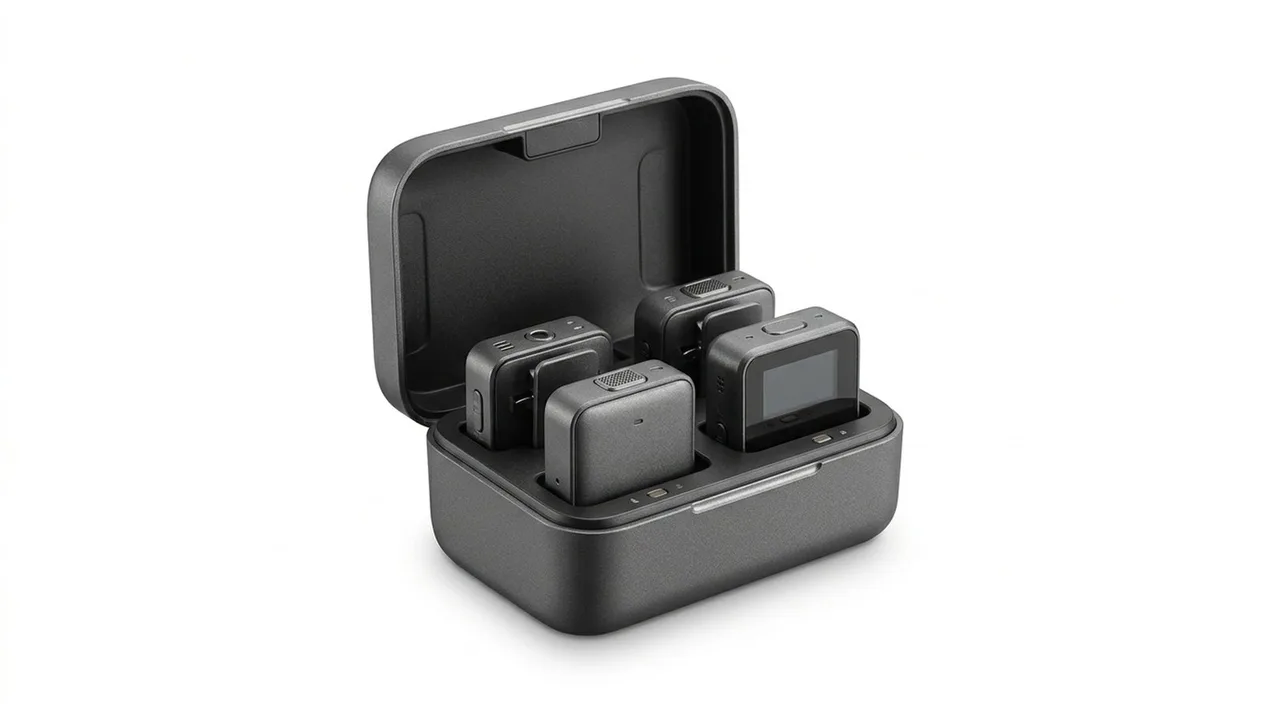
DJI Mic 3
A wireless microphone set with two transmitters, a receiver and a charging case.
DJI Mic 2
An all in one wireless microphone set with two transmitters and a charging case.
Phenyx Pro Dual UHF Auto Scan Handheld Wireless
A dual UHF handheld wireless system with auto scan.
Phenyx Pro Dual UHF Tunable Frequency Wireless Microphone
A dual UHF handheld wireless system with tunable frequency.
Reading a listing critically
A listing can list a number without saying how it was measured. DJI states test conditions beside its figures, for example run times measured with noise cancellation off, and range in open, interference free conditions. When a listing does not give conditions, treat the figure as a ceiling. Ask what the number means: how loud, how far, how long, and under what test. If you cannot find out, assume it is an optimistic one.
Terms you might meet
Cardioid: a pickup pattern that favours sound in front of the microphone. Omnidirectional: a pickup pattern that hears all around, so placement near the mouth matters. XLR: a three pin professional connector used on mixers. TRS: a three contact 3.5 mm plug used on cameras. 32-bit float: a recording format that keeps a very wide range of levels, so peaks are less likely to clip.
Why specs disagree
Two listings of the same product can give slightly different figures, because one may be the maker's and another a retailer's summary. Prefer the manufacturer's page, and note the conditions. We used DJI's pages for the Mic 3 and Mic 2, Phenyx's page for the PTU-71, and a retailer listing of manufacturer specifications for the PTU-52 and PTU-5000, so treat the last two with a little more care.
Be careful with
Taking range numbers literally. Test the system in the place where you will use it.
The practical answer
Decide between clip on and handheld, check how the system avoids interference, then confirm outputs and battery.
Questions people ask
What does auto scan do?
It searches for a clear frequency and sets the system to it.
What is tunable frequency?
You can choose the frequency yourself within a range.
What is fixed frequency?
The system uses set frequencies that you cannot change.
What is a safety track?
A backup recording at lower volume that protects against clipping.
Sources and scope
Reference material is linked for the scope described below. This is not a claim that every statement or current retailer offer has been independently verified.
- DJI Mic 3 specifications (DJI): manufacturer specifications
- DJI Mic 2 specifications (DJI): manufacturer specifications
- Phenyx Pro PTU-71 (Phenyx Pro): manufacturer specifications
- Phenyx Pro PTU-52-2H (zZounds): retailer listing of manufacturer specifications
- Phenyx Pro PTU-5000-4H (zZounds): retailer listing of manufacturer specifications
No hands-on testing or systematic reliability study was performed. Confirm current instructions, seller, model and box contents before ordering.