How to choose a microSD card
How to choose a microSD card: capacity, speed class, UHS rating, device compatibility and the fakes to avoid, using a 1TB SanDisk Extreme as an example.
On this page
This guide is source-informed, not a hands on test. We read SanDisk's product page for the Extreme microSD card and Kingston's explanation of card naming, and used general knowledge about memory cards. We did not test any card.
Know what your device needs
Check the manual for supported capacity, recommended speed class and format. Many devices have a maximum size. A 1TB card in a device that supports 512GB may not work. Cameras and drones are particular about speed. The Osmo Pocket 3, for example, is listed by DJI as taking microSD cards up to 1 TB in exFAT, with UHS-I or UHS-II recommended, so a card that fits one device may not suit another.
Capacity
The SanDisk 1TB Extreme microSD is a large card. That is handy for long 4K shoots, but it concentrates risk: if it fails, you lose a lot at once. Many shooters prefer two cards of half the size, and offload files often. SanDisk lists other capacities in the same family, from 64 GB to 2 TB, and the write speed rises with size, from 80 MB/s on the 64 GB to 170 MB/s on the 1 TB card.
Speed class
For video, look for the write speed classes U3 or V30 as a minimum for 4K, and higher classes for high bitrate modes. Kingston explains that U3 and V30 both mean a minimum sustained write of 30 MB/s. The SanDisk lists up to 245MB/s read and 170MB/s write, which are maker figures, and U3, V30 and A2 marks. Our explainer what SD card speed for 4K video goes into the details.
UHS ratings
UHS-I is common and enough for most devices. UHS-II is faster but needs a device that supports it. SanDisk lists this card as UHS-I. Check what your camera accepts.
Application classes
A1 and A2 describe app performance for phones and handheld consoles. Kingston gives A1 as 1500 read and 500 write input output operations per second, and A2 as 4000 and 2000. They matter less for cameras.
Fakes and reliability
Fake and relabelled cards are a real problem, especially at 512GB and 1TB. Buy from authorised sellers, test with a capacity checker and format the card in your device. Keep the packaging for returns. SanDisk lists a lifetime limited warranty on this card, and does not list an adapter in the box.
Care
Avoid heat, water and static. Eject properly. Format in the camera, not in a computer.
Real situations
Action camera. Speed and durability. Drone. Speed and capacity. Handheld console. App class and capacity. Phone. Capacity and compatibility. Pocket camera with no built-in storage. The card is the only storage, so plan capacity and a spare.
What to check
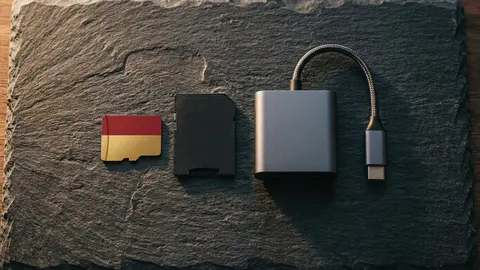
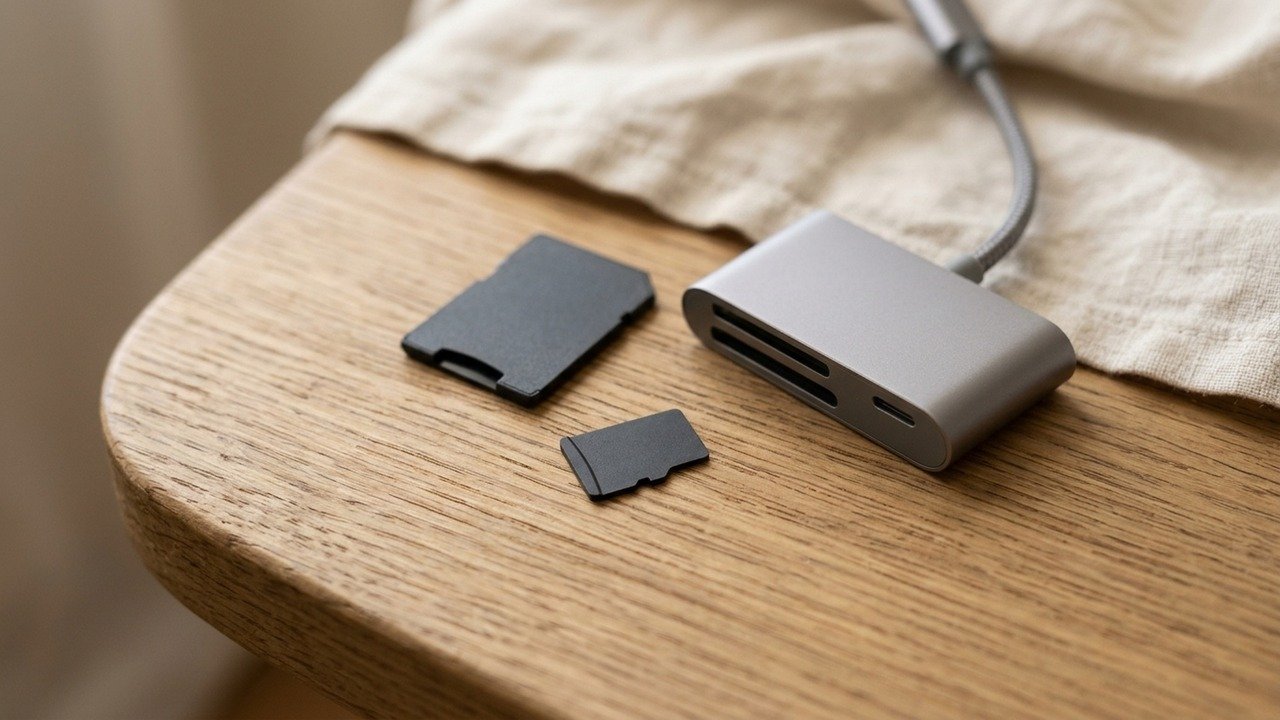
Capacity limit, speed class, UHS rating and seller. Check, too, what comes in the box, since SanDisk's page lists no SD adapter with this card, so you need a reader or adapter to copy files on some computers. Read microSD specs explained.
SanDisk Extreme 1TB microSD
A 1TB Extreme microSD card, UHS-I, up to 245MB/s read and 170MB/s write.
A simple buying routine
Check the device manual for its limits, choose a card that meets the highest recording mode, buy from the maker or an authorised seller, test the capacity on arrival, format in the device and run a short test recording before the real shoot. Keep a second card as a spare and offload footage to a computer after each session.
How much capacity do you need?
Estimate by hour. At DJI's listed maximum of 130 Mbps for the Osmo Pocket 3, an hour of recording takes about 58 GB. So a 128 GB card holds a little over two hours, a 256 GB card about four and a half, and a 1 TB card more than fifteen. Multiply by the number of hours you shoot in a day and add a margin, then decide whether one large card or several smaller ones suits you better. If your device records at a lower bitrate, the numbers improve.
Reading the listing
Look for four things: capacity, the bus, the speed class and the maker. A card that lists capacity and a brand but no class marks is a warning sign. Check the seller, too. If the price looks too good, it probably is, and a card that fails to hold its stated capacity is worse than no card.
After you buy
Test the card on arrival with a capacity checker. Format it in your device, which sets up the file system the device expects. Record a short clip at your highest quality mode and play it back. Keep the receipt and packaging until you are sure the card works.
When to spend more
Spend more when failure is costly, for example on a wedding, a trip you cannot repeat or a long recording at a high bitrate. A reliable card from a known maker, bought from an authorised seller, is cheap insurance next to the cost of a lost shoot. For casual clips of family and travel, a modest card that meets your device's minimum class is enough.
A last word
Cards are cheap compared with the footage they hold. Treat the card as part of your camera, not an afterthought, and replace one that has given any warning signs, such as errors, slow copying or failed recordings.
Be careful with
Buying a high capacity card from an unknown seller. Fakes are common.
The practical answer
Match the card to your device, aim for U3 or V30 or higher for video, buy from a trusted seller and offload often.
Questions people ask
What capacity do I need?
Enough for your longest shoot plus margin. 4K video uses a lot of space.
What do the symbols mean?
U3 and V30 describe minimum sustained write speed classes.
Does my device support 1TB?
Check the device manual for the maximum card size.
How do I avoid fakes?
Buy from authorised sellers and test the card when it arrives.
Sources and scope
Reference material is linked for the scope described below. This is not a claim that every statement or current retailer offer has been independently verified.
- SanDisk Extreme microSD UHS-I Card A2 (SanDisk): manufacturer product page
- microSD and SD memory card naming conventions (Kingston): speed class definitions
No hands-on testing or systematic reliability study was performed. Confirm current instructions, seller, model and box contents before ordering.