How to choose a L shaped desk
Choose an L shaped desk by room fit, return layout and equipment clearance. Compare four listings and avoid storage, cable and monitor mount mistakes.

On this page
- Measure first, including the space beside the chair
- Give the return a job before choosing its side
- The two smaller listings need a shelf clearance check
- A thicker top is not a monitor arm approval
- The standing option changes the clearance test
- Compare the format before the extras
- About built-in outlets
- Posture checks for a corner desk
- Assembly, cables and the first maintenance check
Your chair rolls back into a cabinet, and the printer occupies the surface meant for paperwork. An L desk looks like the obvious fix. Before buying, find out whether its second arm creates a useful work zone or simply moves the obstruction.
This is a source-informed guide. We opened the four Amazon listings below and compared their stated layouts and features. We did not assemble the desks or independently verify their load claims.
Measure first, including the space beside the chair
An L desk gives you two working surfaces, but it eats floor space. Mark the footprint with painter's tape, leaving room to pull the chair out and walk past. Check the door swing, window access and nearby storage while the tape is down.
Use the assembly drawing for both arms. A width in a product title does not describe the entire corner footprint or the usable return depth. Check whether shelves or a computer stand occupy the same space your feet need.
Give the return a job before choosing its side
Think about what goes where. A main side for the monitor and keyboard, a return for a laptop, notes or a printer. Check that the return side is deep enough for what you plan to put on it.
For a worked example, imagine a shared study with a monitor on the main surface and a printer on the return. Tape down the printer footprint as well as the desk. Can someone reach the paper tray without standing behind your chair? Can you open its service cover? If not, the return has failed its intended job, even if the desk fits between the walls.
The four listings describe reversible layouts. That does not mean every shelf and drawer can move to any position. Compare the exact left and right assembly drawings before deciding which side belongs against the wall.
The two smaller listings need a shelf clearance check
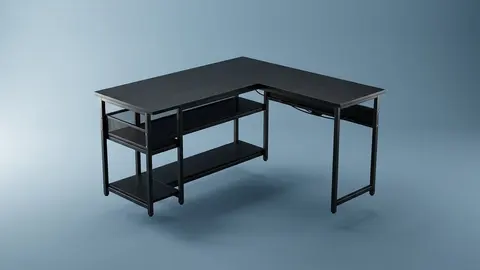
The ODK 53-inch L shaped gaming desk listing describes shelves, a computer stand, lighting and charging ports. It is a candidate for combining equipment and small storage in one footprint. Skip it if the upper storage interferes with your display or the computer stand cannot accommodate your tower.
ODK 53" L Shaped Gaming Desk
Consider this shelf equipped layout when storage matters, after checking the full footprint and monitor clearance.
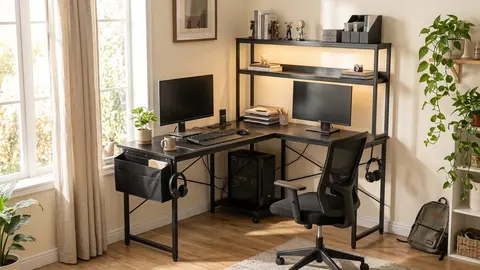
The AODK L shaped gaming desk listing describes a 53-inch option with an upper rack that can serve as display storage or a monitor stand. That choice matters more than the lighting. A raised screen position must still suit your working posture; storage above the surface may obstruct a tall monitor.
AODK L Shaped Desk Gaming Desk
Check the upper rack arrangement before choosing this reversible desk for a monitor and storage setup.
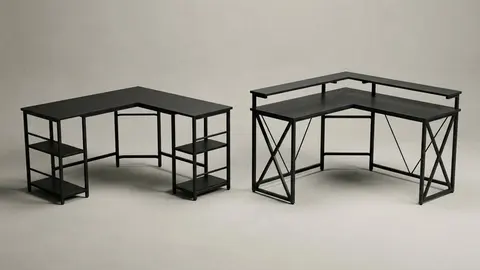
These two listings have similar stated dimensions and features. We have no basis to call one stronger or more durable. Read the ODK and AODK comparison for the questions that distinguish their layouts.
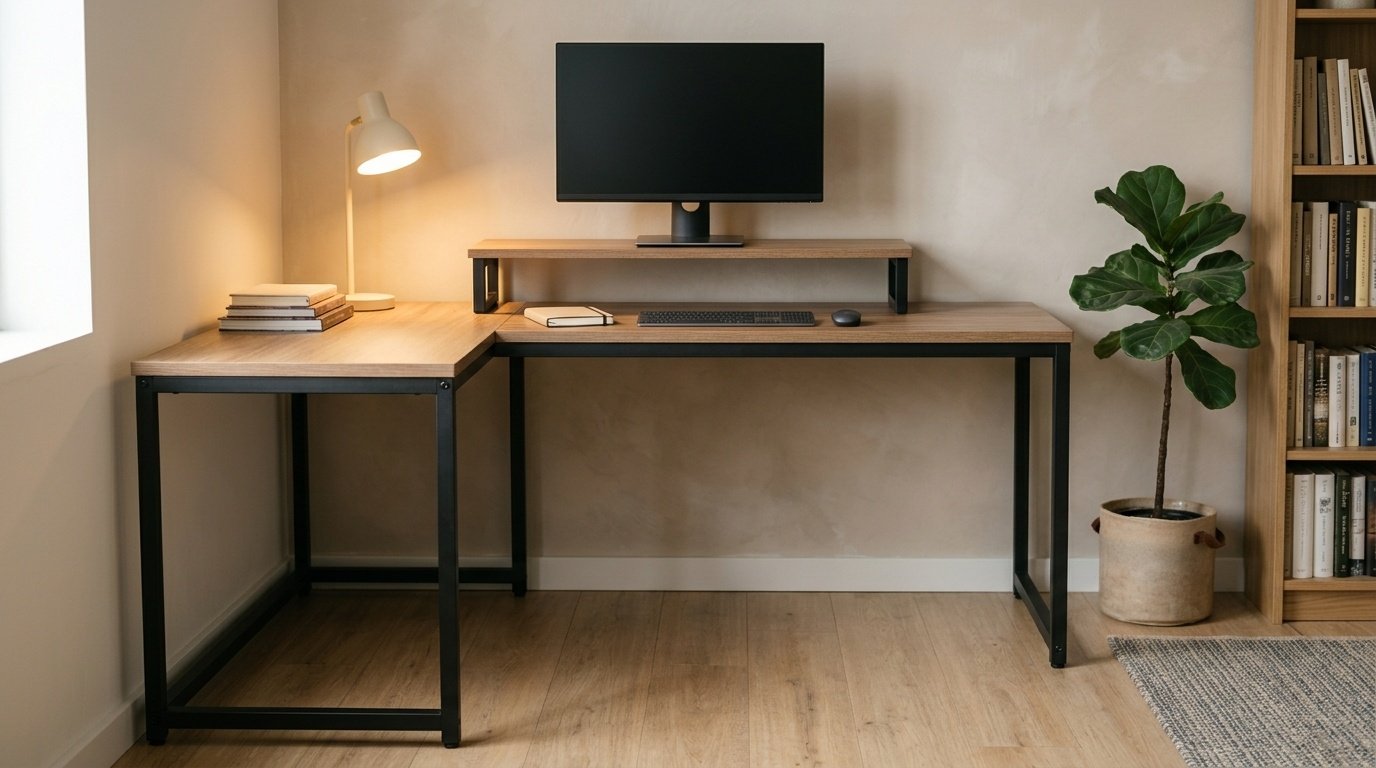
A thicker top is not a monitor arm approval
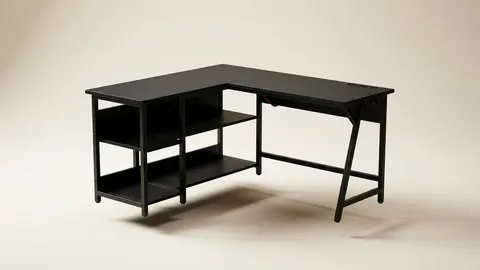
The Huuger 63-inch L shaped desk listing states a 0.95-inch desktop and describes a reversible layout with charging ports. It is worth considering when the larger surface matches your measured work zones. Skip it if you need integrated drawers or height adjustment.
Huuger 63-inch L Shaped Desk
Consider the larger fixed height layout for separate work zones, not as proof of monitor clamp compatibility.
Desktop thickness is only one part of choosing a monitor arm. Inspect the underside edge, support beams and the clamp requirements. Do not infer local clamp strength from a whole desk load figure. Ask the desk maker about the exact mounting arrangement rather than improvising a reinforcement.
The standing option changes the clearance test
The OffiGo electric standing L desk listing describes four fabric drawers, reversible assembly and electric height adjustment. It is the relevant option here for someone who specifically wants a moving work surface. Skip it if you expect rigid filing drawers or cannot leave clearance around the moving desktop.
OffiGo L Shaped Electric Standing Desk
Consider electric adjustment only after checking drawer expectations, working height and moving cable clearance.
Measure at the sitting and standing positions you intend to use. Check nearby shelving, window sills and equipment leads across the movement path. A cable that reaches while seated may pull tight when the surface rises. Follow the desk manual for clearances and operation; we have not independently checked its protective controls. Our electric standing desk guide explains the wider selection questions.
Compare the format before the extras
| Listing | Stated format | Check before choosing |
|---|---|---|
| ODK | Fixed height with shelves and lighting | Tower space and upper storage clearance |
| AODK | Fixed height with configurable upper rack | Screen position and rack orientation |
| Huuger | Larger fixed height surface | Under edge access and separate storage needs |
| OffiGo | Electric adjustment with fabric drawers | Moving clearance and drawer expectations |
The L shaped desk shortlist keeps these same four options together. None is an automatic recommendation for every room.
About built-in outlets
Some listings include power outlets or lighting. Ask for the safety listing and the amp rating of any outlet strip before you rely on it.
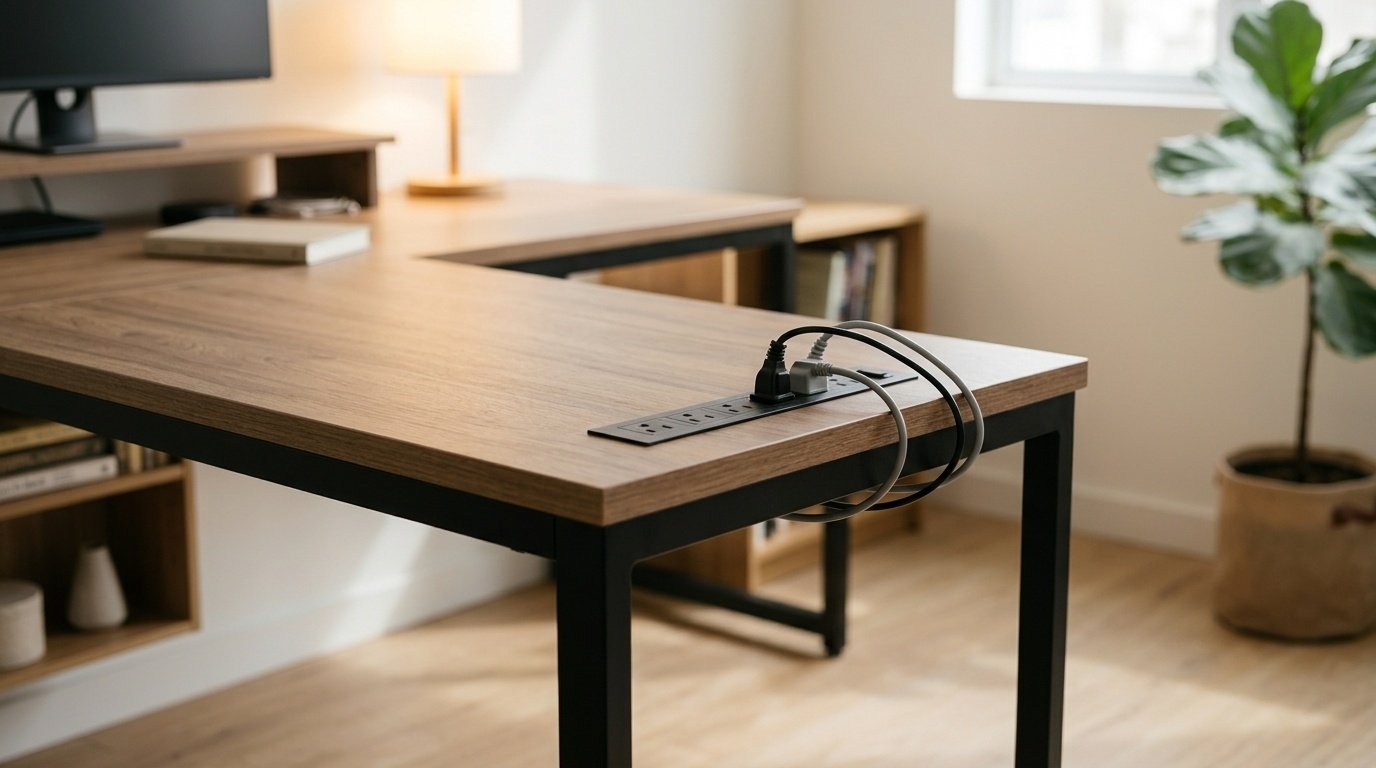
Posture checks for a corner desk
OSHA's computer workstation checklist asks that your head and neck stay upright and not twisted, and that thighs have room under the work surface. Check both at the corner before you buy.
Assembly, cables and the first maintenance check
Read the assembly instructions before unpacking. Build where you can follow the specified sequence and inspect the supplied parts. Do not substitute a generic tightening sequence for the maker's directions.
Keep leads out of the chair path and away from pinch points. For integrated outlets, follow the supplied electrical instructions and rated limits. Do not assume that adding a surge protector makes an unsuitable connection safe. An electrician can assess an unclear socket or connection arrangement.
After setup, inspect the frame joints and adjustment points according to the manual. Stop using a damaged electrical component. For surface care, use the maker's cleaning instructions rather than assuming every finish tolerates the same cleaner.
Be careful with
A heavy monitor setup on an unapproved clamp location, or a standing desktop that can catch a cable, shelf or nearby furniture. Resolve those requirements with the relevant manufacturers before buying.
Before checking the current price on Amazon, put your chair, printer and monitor measurements beside the selected variant's drawing. If those checks fail, choose a straight desk with separate storage instead of forcing an L into the room.
Questions people ask
What size L shaped desk do I need?
Use the full footprint drawing, not only the width in the product title. Mark both arms on your floor and check chair movement, door swing and access to storage.
Left or right orientation?
The four listings checked for this guide describe reversible layouts. Confirm the assembly diagram for the exact option you select, including shelf and drawer placement.
Are built in outlets safe?
A listing alone cannot establish electrical safety. Read the supplied electrical instructions and rated limits, avoid overloaded or chained adapters, and ask a qualified electrician if the connection is unclear.
Do LED lights matter?
Treat them as an appearance feature, not a substitute for useful task lighting. Prioritize the desk footprint and equipment clearance.
Can I attach a monitor arm?
Check the desk maker and arm maker requirements for desktop material, thickness, edge access and load. A whole desk capacity does not establish clamp compatibility.
Sources and scope
Reference material is linked for the scope described below. This is not a claim that every statement or current retailer offer has been independently verified.
- Computer Workstations eTool checklist (OSHA, U.S. Department of Labor, 2015): government workplace guidance (copy hosted by University of Colorado)
No hands-on testing or systematic reliability study was performed. Confirm current instructions, seller, model and box contents before ordering.