How to choose a gaming chair
How to choose a gaming chair: frame, seat size, reclining, materials and the claims worth checking before you buy.
On this page
- Frame and base
- Seat size and fit
- Recline and footrest
- Materials
- Pillows and extras
- How it compares to an office chair
- Treat it as an office chair first
- Reading the numbers
- Standards claims
- Materials and fit
- Footrests and recline
- Return and warranty
- A short decision tree
- Who should buy what
- Mistakes to avoid
- Setup
- Tools for comparing two chairs
- The practical answer
This is a source-informed guide, not a hands on test. We read the listing for the GTPLAYER chair below and used general knowledge about the category.
Frame and base
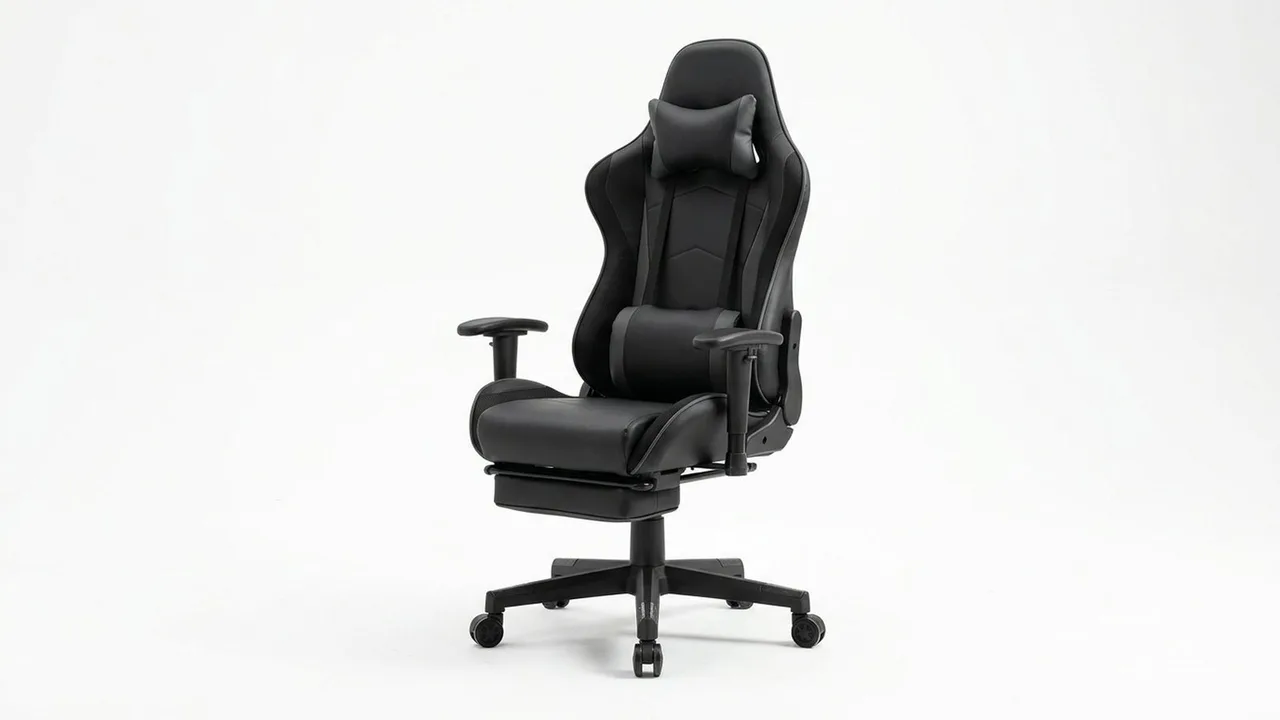
The frame and base decide how long a chair lasts. Look for a steel frame, a metal base and a clearly stated weight rating. The GTPLAYER gaming chair with footrest lists a reclining design and a footrest, which are the main features that set gaming chairs apart from office chairs.
Seat size and fit
Gaming chairs often have narrow, deep bucket seats. If you are broad, a wide seat matters. Check the seat dimensions on the listing, and your own measurements.
Recline and footrest
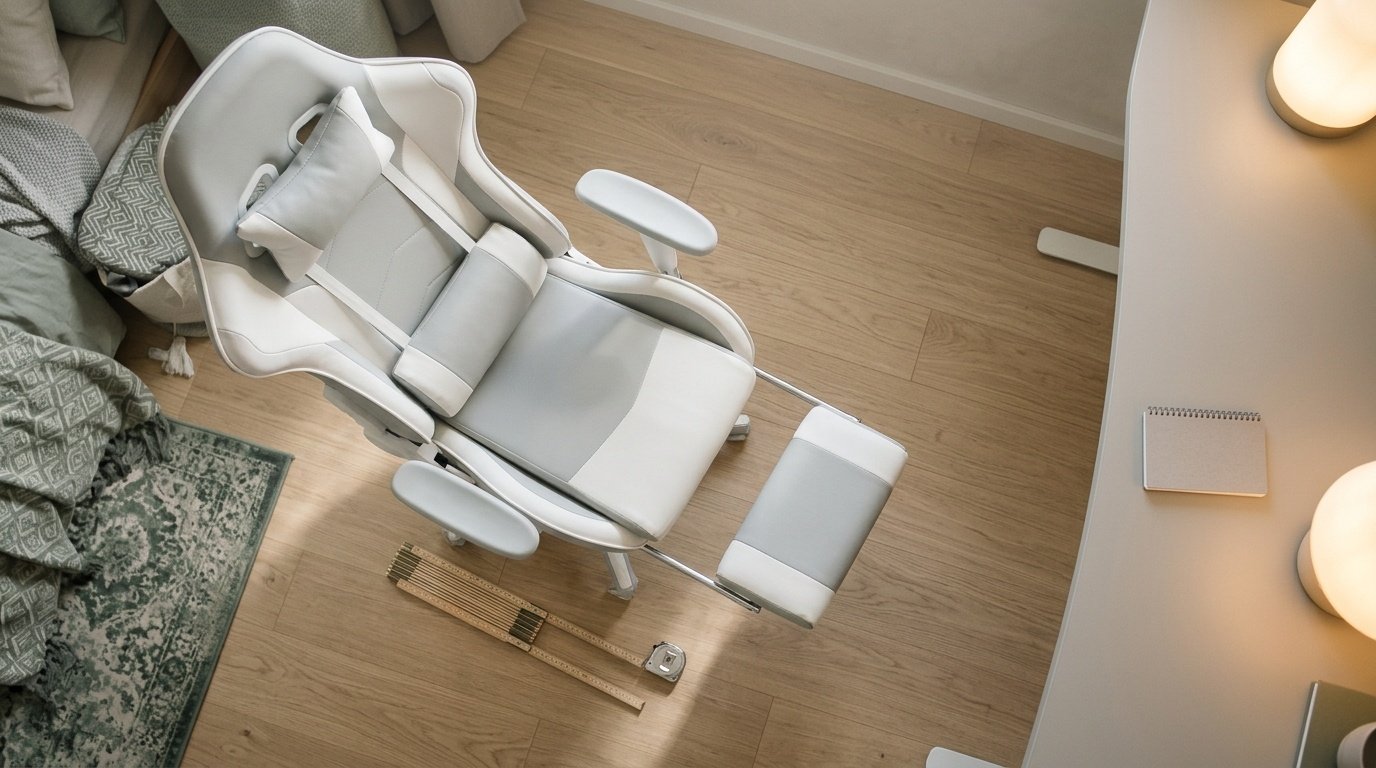
Recline lets you lean back to watch or rest, and a footrest supports your legs. Look for a tilt lock so the chair stays where you put it. Use the recline for breaks, not typing.
Materials
PU leather is easy to wipe but can run warm and wear. Fabric is cooler. Mesh is cooler still. Choose by room temperature and taste.
Pillows and extras
Many gaming chairs come with a lumbar pillow and a headrest pillow. They help some people and not others. A proper adjustable lumbar support is better than a pillow.
How it compares to an office chair
An office chair usually has more adjustment. A gaming chair usually has more recline and a bolder look. Our ergonomic chair guide and big and tall chair guide cover the other side.
GTPLAYER Gaming Chair
A gaming chair with a footrest and reclining design.
Be careful with
Choosing on looks alone. A bold design on a weak frame is not a bargain.
Treat it as an office chair first
OSHA's computer workstation checklist asks of any chair that the backrest supports the lower back, the seat fits your body with the front edge clear of your knees, and armrests, if used, support your forearms without getting in the way. Many gaming chairs add wings, bolsters and a fixed neck pillow, which do not meet any of those checks by themselves. Judge a gaming chair by its adjustments.
Reading the numbers
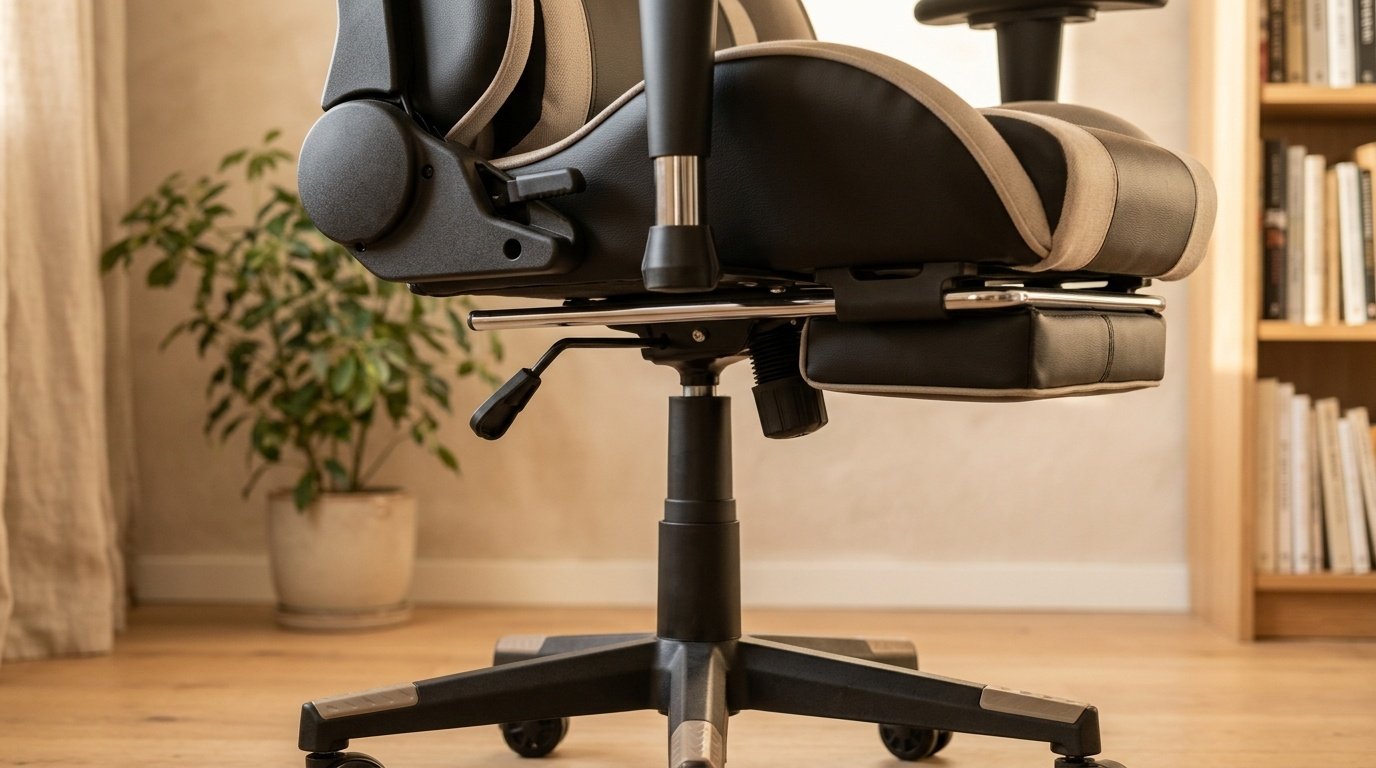
A Best Buy page for a GTPLAYER big and tall chair lists a 350 pound capacity, a seat of 20.1 by 19.7 inches, a 90 to 155 degree recline with an extendable footrest, PU leather and memory foam, a BIFMA-described base, a class 3 gas cylinder and a one year warranty. The Amazon listing title for the GTPLAYER chair reviewed on this site says 400 pounds. Chairs from the same brand do not share one rating, so read the capacity on your exact listing.
Standards claims
A testing-service page describes ANSI/BIFMA X5.1 as covering strength, durability and stability for general-purpose office seating. Corsair's explainer says it does not address comfort. A listing that says a base is BIFMA certified is making a claim you can ask the seller to document.
Materials and fit
PU leather is easy to wipe and can be warm. Fabric breathes better. Check seat width and depth against your body, the recline range against how you sit, and whether the armrests adjust in height. Check the weight rating comfortably above your weight.
Footrests and recline
An extendable footrest suits resting and gaming but adds moving parts. For desk work, a locking tilt and a stable base matter more.
Return and warranty
Chairs are hard to judge from a page. Check the return window and the warranty term, and spend a full workday in the chair in the first week.
A short decision tree
If you game for an hour or two and also work at the chair, choose adjustments over looks. If you game for long sessions, look for a deep recline, a footrest and a firm seat. If you are tall or heavy, start from capacity and seat size. If you share the chair, look for adjustable arms and height.
Who should buy what
If you are an adult at a desk for work as well as play, buy for adjustability. If you are a larger frame, buy for capacity and seat size. If you are smaller, check that the seat is not too deep and that the armrests go low enough. If you play for hours on a console, a lounge-style chair with a footrest may suit you better than a desk chair.
Mistakes to avoid
Do not buy on color or logo. Do not assume a high weight rating means a wide seat. Do not trust a ranking claim in a title. Do not skip the return policy. Most regret comes from fit, not from the chair breaking.
Setup
Set the seat so your feet rest flat, bring the lumbar support to your waist, lower the armrests until your shoulders drop and keep the monitor top at eye level or slightly below, as OSHA's checklist and the SBCCD guide describe.
Tools for comparing two chairs
Put the two listings side by side and fill a small table: capacity, seat width and depth, recline range, arm adjustment, base material, warranty and return window. Leave a cell blank when the listing does not say. The chair with fewer blanks is easier to trust, and the blanks tell you what to ask.
The practical answer
Choose the strongest frame, the right seat size and the adjustments you will use. Then enjoy the extras.
Questions people ask
Are gaming chairs good for your back?
Some have good adjustments and some are mostly styling. Look for lumbar support and adjustable height.
Gaming chair or office chair?
Office chairs often have more adjustment. Gaming chairs offer more recline and a bold look.
What is a footrest for?
It lets you recline and stretch your legs, but you should not use it for long periods.
What material is best?
Mesh breathes. PU leather wipes clean. Fabric is softer.
Sources and scope
Reference material is linked for the scope described below. This is not a claim that every statement or current retailer offer has been independently verified.
- Computer Workstations eTool checklist (OSHA, U.S. Department of Labor, 2015): government workplace guidance (copy hosted by University of Colorado)
- GTPLAYER big and tall gaming chair (Best Buy listing): retailer listing for a related model
- ANSI/BIFMA general purpose office chair testing (Manufacturing Solutions Center): test-section overview of X5.1-2017
- BIFMA and EN 1335 gaming chair standards explained (Corsair): standards overview from a chair maker
- Setting up your workstation to fit you (San Bernardino Community College District): workstation setup guidance
No hands-on testing or systematic reliability study was performed. Confirm current instructions, seller, model and box contents before ordering.