What the specs on an ergonomic office chair listing really mean
What the specs on an ergonomic office chair listing really mean: adjustability, lumbar support, mesh, certification and casters explained.
On this page
- Adjustments
- Lumbar support
- Headrests
- Certification
- Casters
- Materials
- Titles
- What the workplace guidance asks of a chair
- Seat height and depth
- Lumbar support and tilt
- Armrests
- What BIFMA means
- Putting it together
- Reading a chair title
- A seven-step setup for a new chair
- Common specs and what they hide
- The practical answer
Ergonomic is a word, not a standard. This source-informed explainer shows what to look for on a listing.
Adjustments
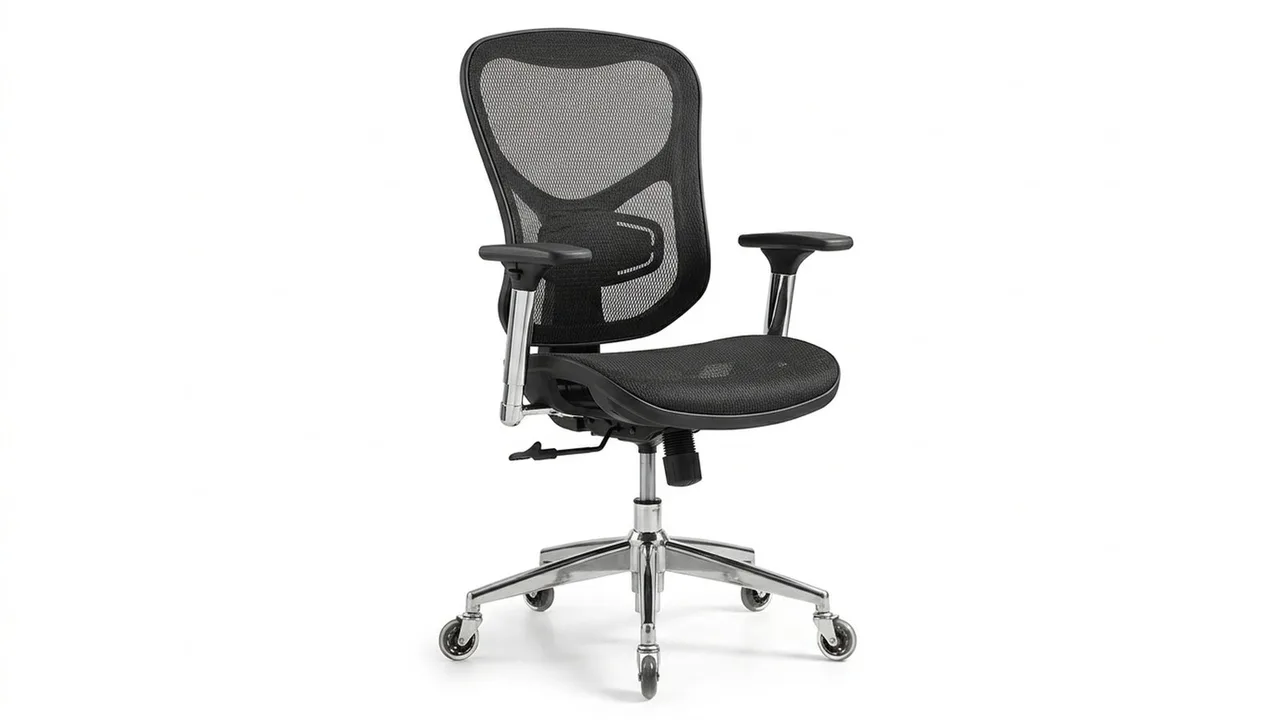
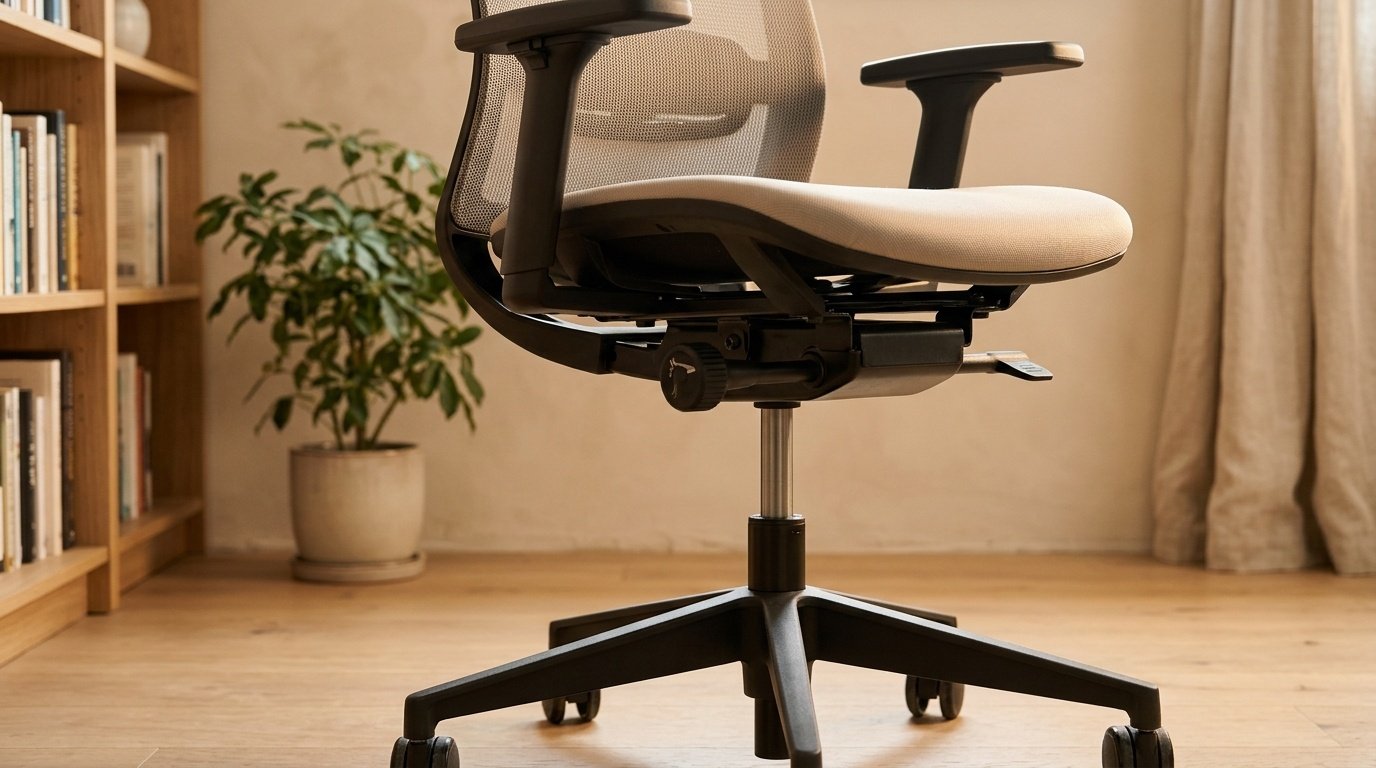
List which parts move: seat height, tilt, lumbar, arms, headrest. The more that adjust, the more people the chair fits.
Lumbar support
Check whether it is fixed, adjustable or a pillow. An adjustable support is best.
Headrests
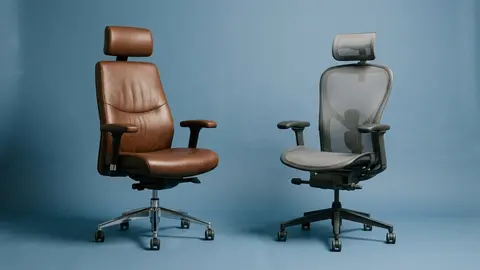
The HOLLUDLE lists a 2D headrest, which adjusts in two directions.
Certification
Some listings mention BIFMA 5.1, an industry durability standard. Confirm any such claim on the product page itself.
Casters
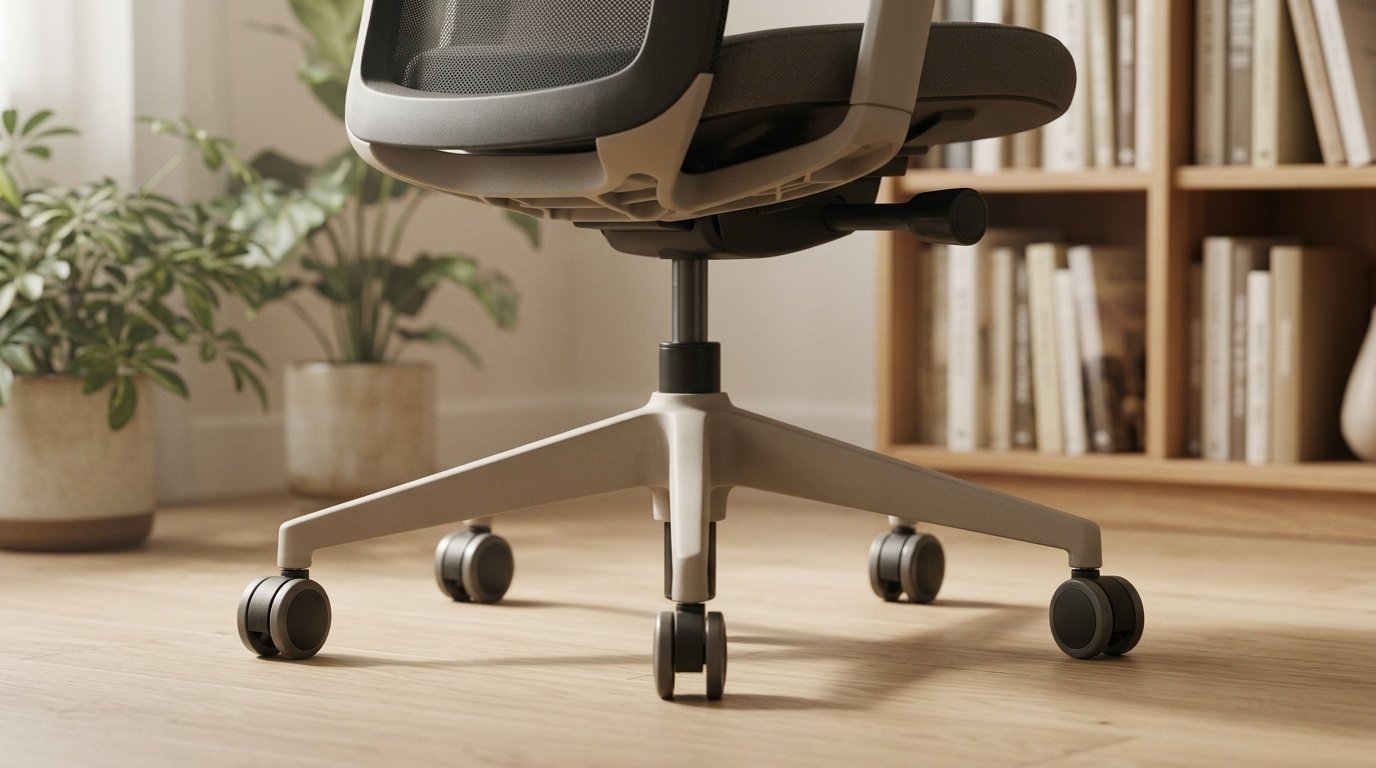
The YFO lists rubber casters, gentle on hard floors.
Materials
Mesh, foam and PU leather, such as on the PU chair. See mesh versus foam.
Titles
The Comfy chair title carries a ranking claim. Ignore it. Compare in best ergonomic chairs and how to choose an ergonomic chair.
YFO Home Office Desk Chair Office Rubber Casters
A home office chair with rubber casters.
Ergonomic Office Chair Comfy
An ergonomic office chair marketed as a comfort focused option.
Office Chair Ergonomic Desk Chair
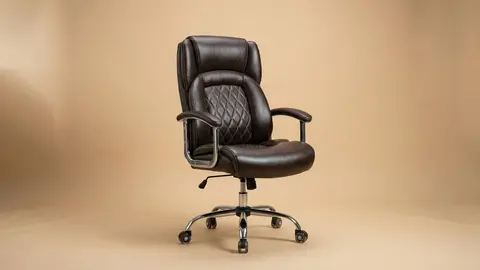
A PU leather ergonomic swivel chair.
HOLLUDLE Ergonomic Mesh Office Chair
A mesh chair with a V back and 2D headrest.
Be careful with
Treating the word ergonomic as a guarantee.
What the workplace guidance asks of a chair
OSHA's computer workstation checklist asks that the backrest supports your lower back, that the seat fits your body with its front edge clear of the backs of your knees and a rounded, cushioned edge, and that armrests, if used, support both forearms without getting in the way. A San Bernardino Community College District guide adds that the curve of the backrest should sit at your waistline, and that armrests set too low cause slouching while armrests set too high raise your shoulders. Those are the points to hold a spec sheet against.
Seat height and depth
Seat height should let your feet rest flat with the backs of your knees slightly higher than the seat. Seat depth is the dimension most listings omit. If the seat is too deep, its front edge presses behind your knees; too shallow, and it does not support your thighs. Look for a stated depth or a seat-depth adjustment.
Lumbar support and tilt
An adjustable lumbar support matters because the right height differs between people. Several chairs in this category list adjustable lumbar support, a tilt lock or a recline range. Treat the words as a prompt to ask how far it moves and whether it locks, since a lumbar support that only bulges at one height does not fit everyone.
Armrests
A listing may say 3D, 4D or 5D arms or flip-up arms. These words describe how many ways the arm moves, but not how well it holds a position. Flip-up arms help if you want to tuck in close to a desk.
What BIFMA means
ANSI/BIFMA X5.1 is a standard for general-purpose office seating. A testing-service page lists its 2017 edition as 20 test sections, covering static strength of the back, arms and footrest, cyclic durability of swivel, tilt, seat, back, casters, arms and structure, a drop test, front and rear stability, leg strength and a check on adjustable seat depth. Corsair's explainer notes the standard addresses strength, durability and stability, not comfort. Neither page gives the pass thresholds, so a seller's "BIFMA certified" label is a claim to ask documentation for.
Putting it together
Compare any chair with five checks: seat height range, seat depth, lumbar adjustment, armrest adjustment and a documented load rating. Anything the listing leaves out, treat as unknown.
Reading a chair title
A listing title is a list of claims. Ask of each claim: is there a number, and where is the number from? A title that says lumbar support gives no range. A title that says 135 degree reclining gives a range, but not whether it locks. A title that says 300 pounds gives a rating, but not who tested it.
A seven-step setup for a new chair
Set the chair up in this order, because each step depends on the one before it. First, seat height: sit back in the chair and lower or raise it until your feet rest flat on the floor with the backs of your knees slightly higher than the seat, as a San Bernardino Community College District ergonomics guide advises. Second, seat depth, if the chair has the adjustment: leave a gap of a couple of fingers between the front edge and the backs of your knees, which is the clearance OSHA's checklist asks for. Third, the backrest: bring it forward so it supports your lower back and the curve meets your waistline. Fourth, recline tension and tilt lock: set a tension that lets you lean back without feeling thrown. Fifth, armrests: lower them until your forearms rest lightly and your shoulders drop, because too high pushes the shoulders up and too low makes you slouch. Sixth, bring the desk or keyboard to elbow height. Seventh, set the monitor so its top is at eye level or slightly below. Re-check after a week, since foam settles.
Common specs and what they hide
Seat height range is often given as a total, not as the range from the floor. Casters may be nylon or rubber, which matters for floors. Armrest descriptions such as 3D, 4D or 5D count directions, not quality. Weight rating is a seller's figure.
The practical answer
Read the list of adjustments, check the claims and buy for your own body.
Questions people ask
What does ergonomic mean?
It is a marketing term. It does not guarantee fit.
What is 2D headrest?
A headrest that adjusts in two directions.
What is BIFMA 5.1?
An industry standard for office chair testing.
Which casters are best?
Rubber for hard floors, hard plastic for carpet.
Sources and scope
Reference material is linked for the scope described below. This is not a claim that every statement or current retailer offer has been independently verified.
- Computer Workstations eTool checklist (OSHA, U.S. Department of Labor, 2015): government workplace guidance (copy hosted by University of Colorado)
- Setting up your workstation to fit you (San Bernardino Community College District): workstation setup guidance
- ANSI/BIFMA general purpose office chair testing (Manufacturing Solutions Center): test-section overview of X5.1-2017
- BIFMA and EN 1335 gaming chair standards explained (Corsair): standards overview from a chair maker
No hands-on testing or systematic reliability study was performed. Confirm current instructions, seller, model and box contents before ordering.