Is a standing desk worth it, and how long should you stand?
Is a standing desk worth it? What the evidence suggests about standing, how long to stand and who benefits most.
On this page
The honest answer is that a standing desk is a tool for changing position, not a health upgrade on its own. This article is general information, not medical advice.
What people actually get
The main benefit is variety. Sitting for long unbroken stretches is tiring, and standing for long stretches is tiring in a different way. A desk that lets you switch lets you avoid both. Many owners say they feel more alert when they stand for part of the day, though this varies, and it is not the same as exercise.
How long to stand
Start with ten to fifteen minutes at a time and build up. Many people settle into alternating every thirty to sixty minutes. If your feet, knees or back feel sore, sit down. Wear comfortable shoes or stand on a mat. Stand with your weight balanced and your elbows near a right angle.
Who benefits most
People with desk jobs who sit for most of the day, people who feel stiff after long calls, and people who like to move while they think. People who may not benefit are those who will stand once and never again, or those who need to use a specific chair for a medical reason.
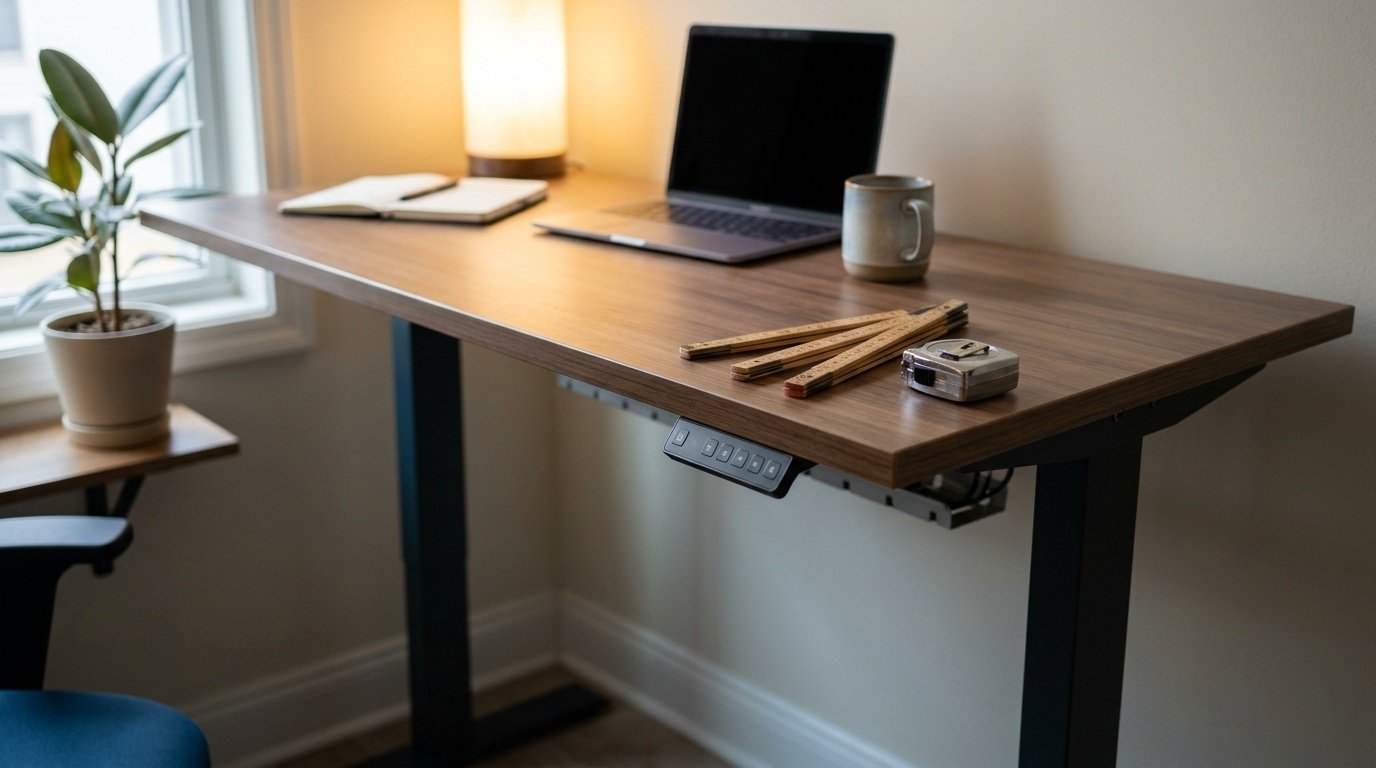
What to buy
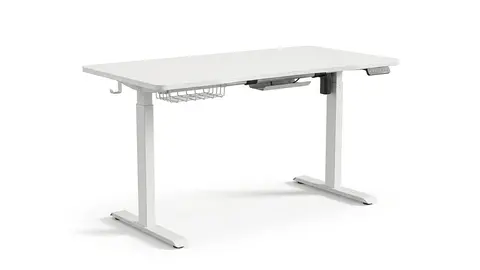
A full desk such as the Veken 55-inch, Claiks 48 by 24 or FLEXISPOT EN1 gives you the cleanest setup. The FLEXISPOT EN1 one piece is a simpler build. If you only want to try standing, a converter costs less. See how to choose an electric desk and our converter guide.
Veken 55-inch Large Electric Standing Desk
A 55-inch electric standing desk with a large surface.
Claiks Electric Height Adjustable Standing Desk
A 48 by 24-inch electric standing desk with adjustable height.
FLEXISPOT EN1 One-Piece Standing Desk
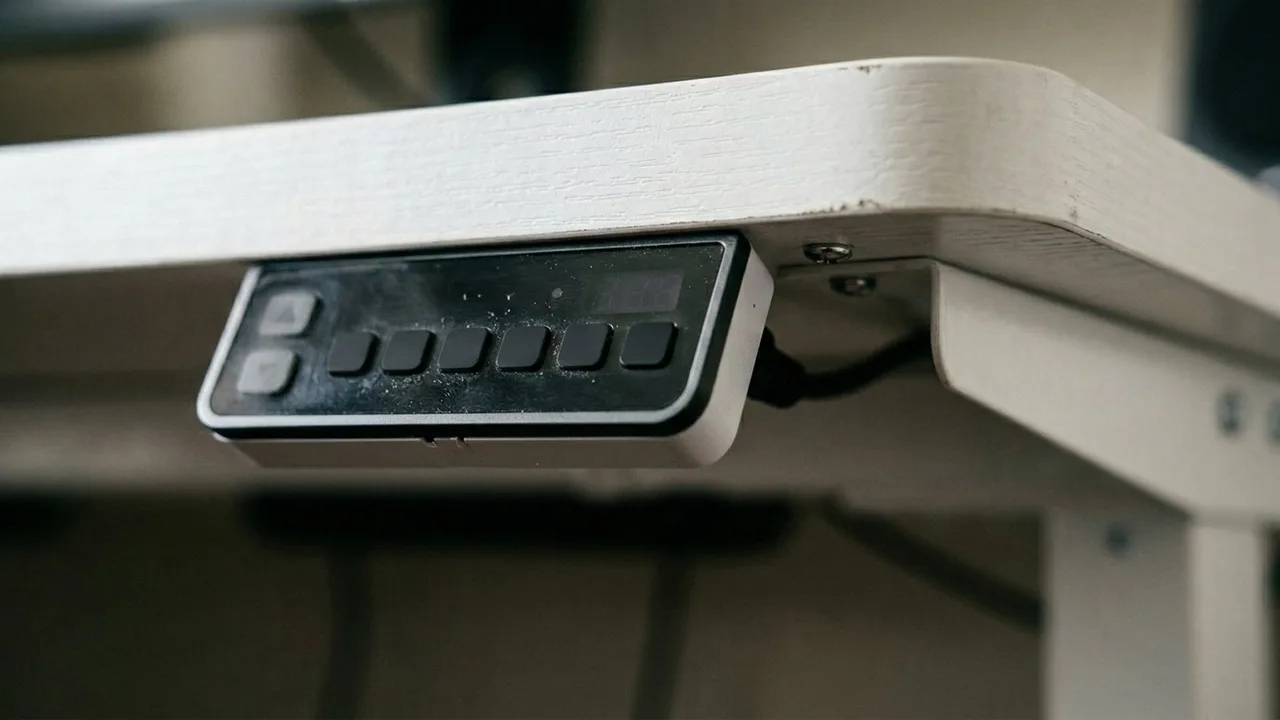
A standing desk with 4 memory presets.
FLEXISPOT EN1 48"x24" One-Piece Standing Desk
A one piece 48 by 24-inch standing desk in white.
Be careful with
Standing in one spot for hours. Shift your weight, move your feet and take breaks.
Setting it up
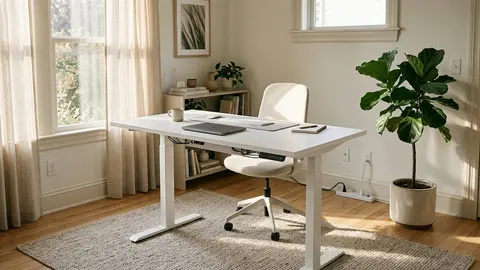
Set the desk to elbow height and the monitor to eye level, as described in our desk setup guide. Keep the keyboard close. Use the memory presets to switch quickly. If you forget to switch, set a reminder.
What the published guidance says
The clearest public guidance I could read is an expert statement in the British Journal of Sports Medicine, written for desk-based workers. It recommends working up to about two hours a day of standing or light activity during working hours, and later toward four hours, by breaking up long seated periods with standing work, sit-stand desks or short active breaks. The authors are open about the limits: the evidence is mostly observational or short term, and the statement does not address how much standing is too much. So the supported message is to move more across the day, not to swap one fixed posture for another.
Why a desk alone is not the answer
OSHA's computer workstation checklist asks whether a workstation is adjustable enough to allow occasional changes of position, and whether work is organised so you can take micro-breaks. That is the useful way to think about a sit-stand desk: it removes the friction of changing position. It does not change what you do. If you would leave it at one height for months, a cheaper habit works just as well, such as standing for calls or walking for a minute every half hour.
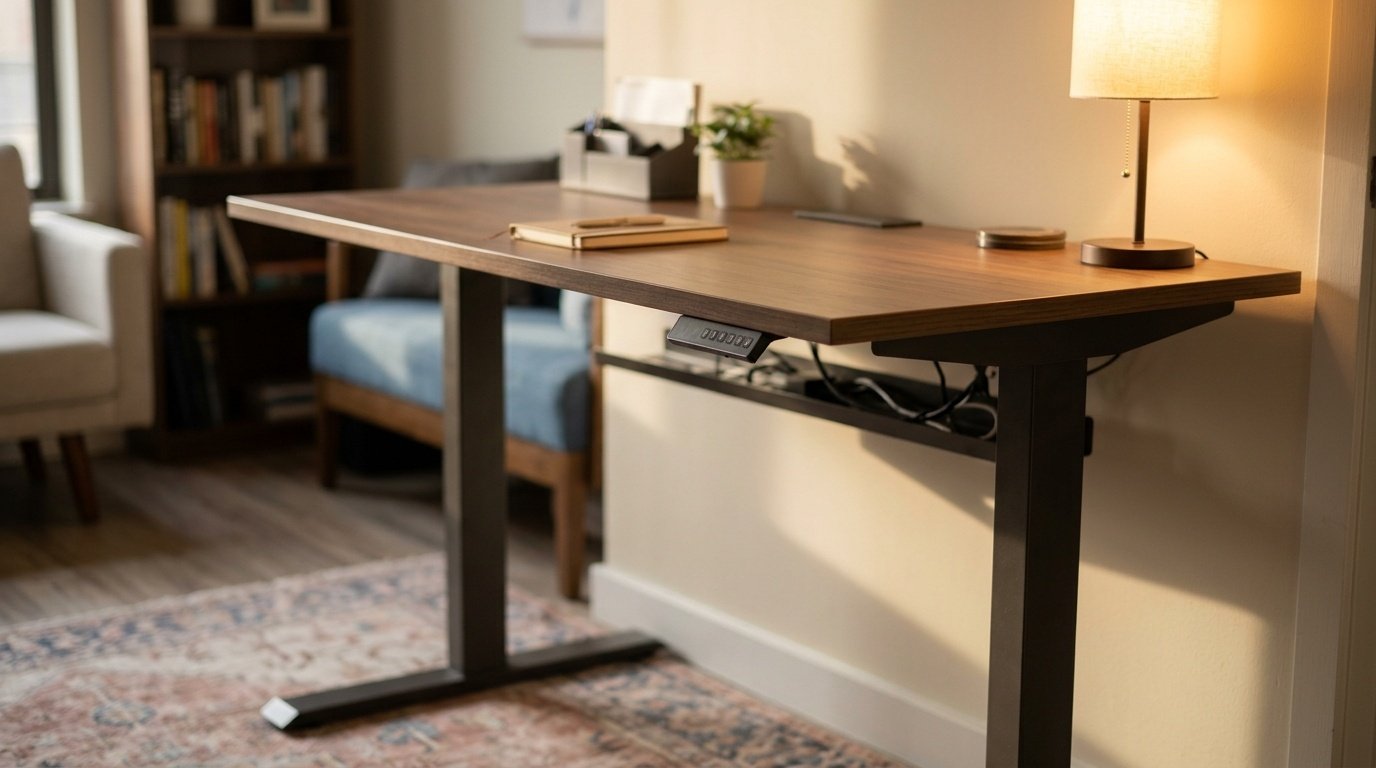
What to check on the desk itself
Height range and load capacity decide whether it fits you and your equipment. FlexiSpot's own page for its EN1 desk lists a range of 28 to 47.6 inches and a 154 pound capacity, with three memory presets, a single motor lifting at about 1-inch per second and a five year frame warranty. The Amazon listing title for the 48 by 24-inch EN1 in this list says 4 memory presets and 176 pounds, so the two sources do not match. When figures disagree, buy against the number on the exact page you order from, and keep a screenshot.
Setting it up when you stand
Stand with your elbows near a right angle and your wrists straight, as the OSHA checklist describes. A San Bernardino Community College District ergonomics guide puts the monitor about 18 to 24 inches away with the top of the screen at eye level or slightly below. When you raise the desk, the monitor has to rise with it, so use an arm or a stand that moves.
A sensible way to start
Begin with short standing blocks, add time over a couple of weeks and stop if you feel pain. None of the sources I read gives a ceiling for healthy standing time, so use discomfort as your guide and talk to a clinician if it persists. Wear supportive shoes and consider a mat on hard floors.
Verdict on value
A standing desk is worth buying if you will change position several times a day. If you are not sure, try a converter first, or use a box on your current desk for a fortnight. If you find yourself standing more, a full desk is a good upgrade.
The honest verdict
It is worth buying if you are motivated to change position and if you have the budget. If you are not sure, start with a converter, or just set a timer to stand and stretch with the desk you have. The habit is the real purchase.
Questions people ask
How long should I stand each day?
There is no single rule. Many people alternate every thirty to sixty minutes and build up gradually.
Is standing all day bad?
Yes, it can cause fatigue and discomfort too. Variety is the goal.
Do I need an anti fatigue mat?
It can help if you stand for longer periods on a hard floor.
Is a converter enough?
For occasional standing, yes. See our converter guide.
Sources and scope
Reference material is linked for the scope described below. This is not a claim that every statement or current retailer offer has been independently verified.
- Occupational sitting and health risk: expert statement (British Journal of Sports Medicine): expert statement on sitting and standing at work
- Computer Workstations eTool checklist (OSHA, U.S. Department of Labor, 2015): government workplace guidance (copy hosted by University of Colorado)
- Setting up your workstation to fit you (San Bernardino Community College District): workstation setup guidance
- FlexiSpot EN1 standing desk (FlexiSpot): manufacturer specifications
No hands-on testing or systematic reliability study was performed. Confirm current instructions, seller, model and box contents before ordering.